Vague line example
The quote includes bathroom fixtures as required, but does not specify which fixtures or how many.
Spot missing scope
AI flags scope gaps to raise with your builder.
 QUOTECHECK
Check your quote
ScopeSee what your quote leaves unclear
For homeowners comparing renovation quotes: upload one PDF and get flagged scope gaps, vague lines, risky allowances and a shareable score card.
$29per check · One PDF quote
Flag missing scope and unclear allowances in this renovation quote.
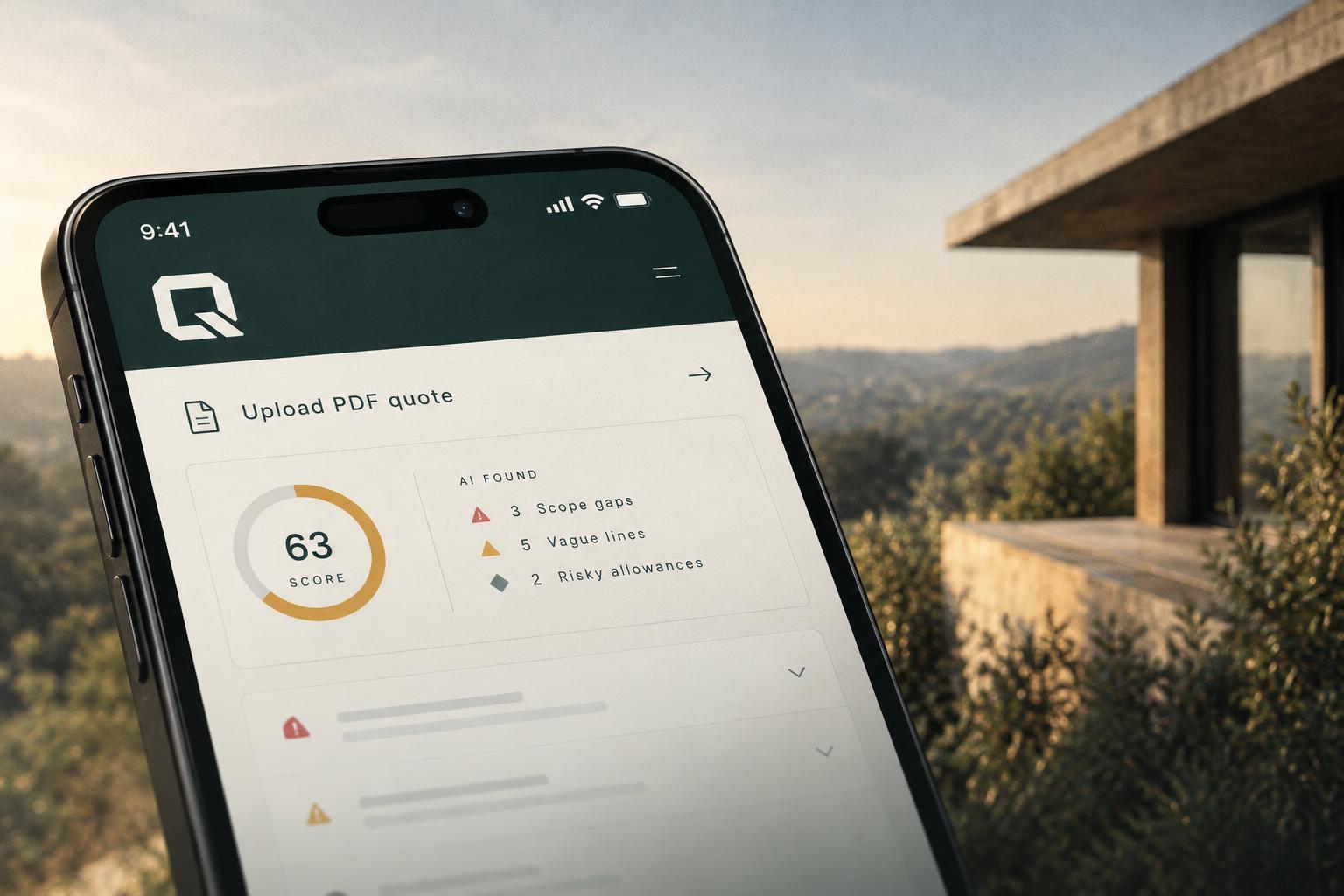
Upload a renovation quote. The check is made for homeowners who want to understand the scope before signing.
See missing items, vague wording and risky allowances collected in an open items register.
Use the open items register and shareable score card to ask your builder to clarify what is included.

Clearer scope
AI flags unclear scope so you have specific items to raise with your builder before signing.
Check your quoteVague line example
The quote includes bathroom fixtures as required, but does not specify which fixtures or how many.
AI flags scope gaps to raise with your builder.
From PDF to questions
An open items register turns flagged issues into a list to discuss with your builder.
Find wording that leaves what is included unclear.
Flag allowances and PC sums that need a closer look.
A shareable score card helps bring the quote's flagged issues into the conversation.
Example flags
Illustrative outputs show the kinds of questions a check can help you put to your builder.
Scope gap: rubbish removal is not listed. Ask whether removal and disposal are included in the quoted scope.
Vague line: “make good as required” does not define the work. Ask which surfaces and finishes are covered.
This allowance leaves the fixture selection unclear. Ask what it covers.
Open item: confirm whether painting is included after plastering, and ask for that scope to be written into the quote.
PC sum: the tapware allowance does not identify the fittings. Ask which items and quantities the allowance is intended to cover.
Questions
What to upload, what comes back and what the check focuses on.
Homeowners comparing renovation quotes who want to understand missing scope, unclear wording and risky allowances before signing.
Upload your renovation quote as a PDF. Each check covers one quote.
It flags missing items, vague lines and risky allowances, including PC sums that need clarification.
You get flagged scope gaps, vague lines and risky allowances, an open items register and a shareable score card.
The check focuses on scope gaps, vague wording and risky allowances, rather than price benchmarking.
Share the score card and use the open items register to ask your builder to clarify or revise the quote before signing.
Bring unclear scope back to your builder before you commit to the quote.